
Build the connection between a screen and a server
A full-stack application does more than display a page. A person enters information in the browser, the server checks the request, and a database stores the result. This course brings React and Node.js together so you can follow that journey and understand which part needs attention when something fails.
The published course runs for nine months. Use the free demo to discuss your starting level, see how a lesson works and confirm the current batch plan before enrolling.
Who this course suits
This route suits learners who want to build interactive websites and understand the server code behind them. You do not need a finished portfolio to ask about the course. You do need time to practise, read error messages and work through code yourself.
For a useful starting check, try creating a simple HTML page, styling a form and writing a JavaScript function that processes its input. If those tasks are unfamiliar, ask how much foundation work your batch includes. The HTML, CSS and JavaScript course is another route to discuss with the team.
- Browser basics: recognise headings, links, form fields and CSS layout.
- JavaScript basics: work with variables, functions, arrays, objects and conditions.
- Working habits: save files clearly, install the tools you need and explain what you tried when asking for help.
These are preparation pointers, not a separate admissions test. Ask admissions to assess your starting point rather than choosing a course only by its title.
What each part of the stack does
- React: builds the interface from components, handles interactions and updates what the visitor sees.
- Node.js: runs JavaScript outside the browser, including code that handles server requests.
- Express: helps organise routes and middleware for a Node.js application.
- MongoDB: stores documents that the application can create, read, update and delete.
Those four technologies form the MERN name. The published outline also includes MySQL. Ask which database the batch uses for its main project; learning one connection properly is more useful than memorising a list of tools.
A learning sequence that connects the topics
The current course outline covers the topics below. This groups them into a readable learning path; the trainer confirms the teaching order, versions and time spent on each part.
JavaScript and the working environment
- Set up Node.js, npm and a local project.
- Practise JavaScript fundamentals and asynchronous work.
- Read a small programme, run it and use its error output to investigate problems.
React interfaces
- Components, JSX, props, state and event handling.
- Forms, validation, conditional rendering and lists.
- Hooks, routing, fetching data and the role of shared state.
- Recognise class-component and lifecycle examples when reading existing code.
Node.js and APIs
- Core modules and a basic server.
- Express routes, route parameters and middleware.
- HTML and JSON responses; connecting a browser request to the appropriate route.
- Asynchronous operations, events and command-line input.
Data and the complete application
- MongoDB create, read, update and delete operations.
- Connect Node.js to MongoDB and work with Mongoose.
- Understand the MySQL connection covered in the published outline.
- Connect the React interface to an API and display the result.
An example project to discuss at your demo
Try a small task tracker: a visitor creates a task, sees a list, changes its status and removes it. This is an illustrative practice brief, not a promised client assignment or the confirmed project for every batch.
- Interface: show a clear form, a task list and useful loading or empty states.
- API: accept the request, check the input and return a clear result or error.
- Data: save the record, then check that it remains after refreshing the page.
- Review: try missing input, an unavailable server and repeated clicks. Explain the behaviour you observed.
Use fictional sample data while practising. Keep database credentials out of browser code and shared screenshots. A useful demonstration includes an explanation of the request path and the errors you handled, alongside the working screen.
What to confirm before joining
- Your starting level and the foundation topics included in the batch.
- The teaching schedule, practice expectations and how project feedback is provided.
- The software versions, database choice and any hosting or software costs.
- The current fee, instalment terms and requirements for course completion.
The course page lists placement assistance. Employment depends on skills, preparation and employer decisions; course enrolment does not guarantee a job or an internship. Read the admissions information before making a payment.
Explore the tools before your demo
The official React introduction and Node.js introduction explain the browser and server parts. You can also explore Express and MongoDB's basic data operations. These explain the technologies; they do not certify or endorse this course.
Book a free demo and bring a small piece of code, or simply tell the team what you have learned so far. That makes the conversation about your next practical step.
PUT YOUR LEARNING TO WORK
A pathway to supervised projects
Use your course work to build a portfolio and demonstrate readiness for the US Project Lab. Selected students may contribute to suitable internal projects or approved client assignments connected with Vialynx and Agenticures, remotely from India.
Selection depends on practical skills, communication, reliability, mentor capacity and available work. Course enrolment does not guarantee an internship, client assignment or employment. Any assignment’s scope, duration and compensation are agreed separately in writing.
See the selection process and example briefs →How a batch runs
Classes are online or at F-19/8, 3rd Floor, Sector 8, Rohini, Delhi – 110085. You get project work, a training certificate, and placement assistance. Advertised course fees include GST. Confirm the timetable, teaching hours, trainer, software costs and any instalment terms before enrolling. Ask the counselling desk about the next start date — call 18008913982.
Learn in a real classroom
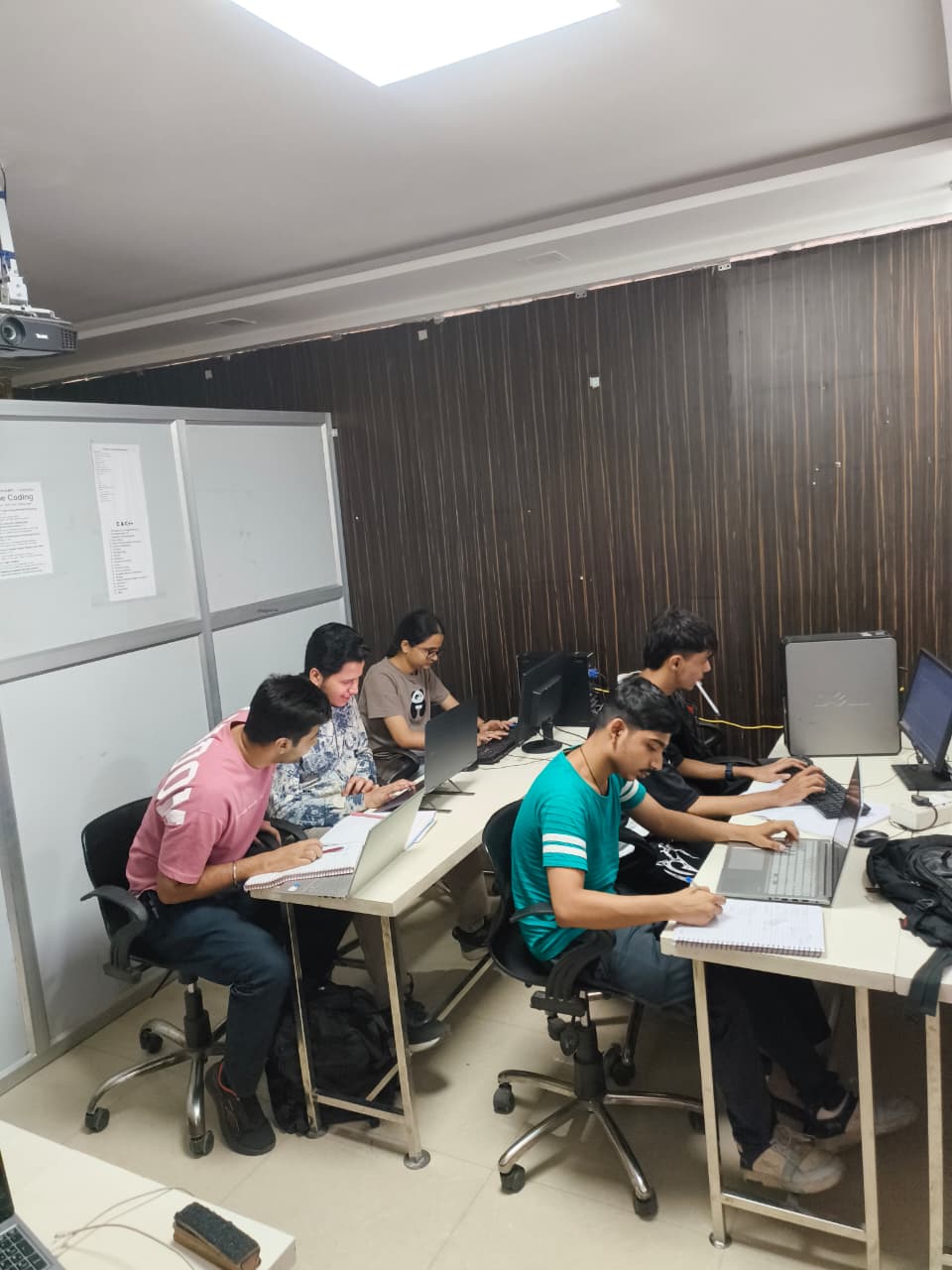
Classes run in our lab at F-19/8, 3rd Floor, Sector 8, Rohini, Delhi – 110085 in batches of up to 8 students, with a trainer beside you, or live online. Come for a free demo class and see it for yourself.

Frequently asked questions
What is the fee for Full Stack with React and Node JS?
The fee is ₹45,000, GST included. Easy EMI is available on the diploma and longer courses; the counselling desk explains the current plan and the next batch date.
How long is Full Stack with React and Node JS?
The course runs for 9 months. Weekday and weekend batches are available.
Are classes online or at the Rohini campus?
Both. You can study at the Coding Bytes campus in Sector 8, Rohini, Delhi, or join live, instructor-led online classes. You can book a free demo class first.
Who can join this course?
Students who have completed Class 12, graduates and working professionals can join. Basic English and basic computer knowledge are needed.
Will I get a certificate?
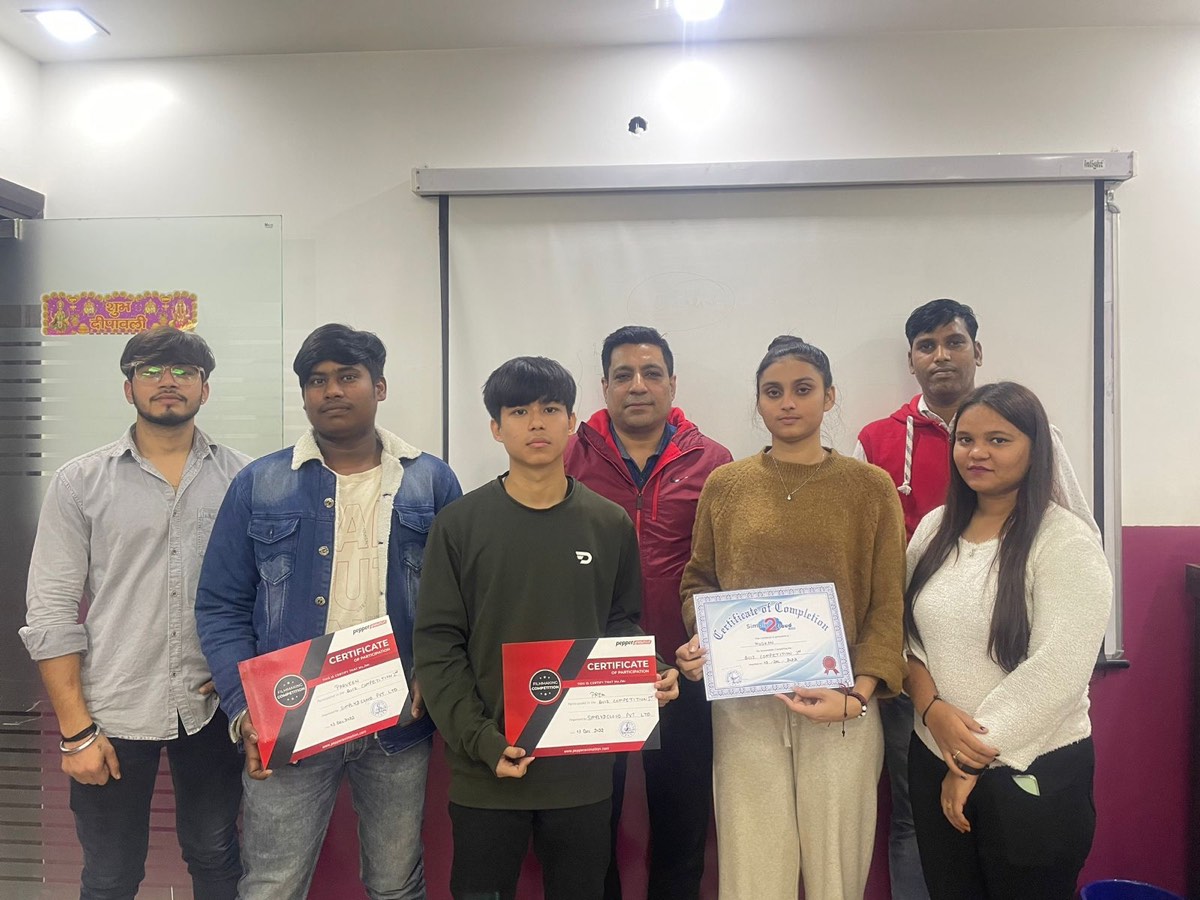
Yes. You receive a Coding Bytes course certificate when you complete the course. Coding Bytes is an ISO 9001:2015 certified institute.
Do you help with placements?
Yes. Every student gets placement assistance: interview preparation and help finding openings. It is assistance, not a job guarantee.