
AWS (Solutions Architect Associate)
Course Highlights
- Introduction of Cloud Computing
- Setting up a Virtual Data Centre
- Security & IP Addresses in AWS
- Virtual Private Network
- Block Storage
- AWS Object Storage
- Virtual Machine Type in AWS
- Identity and Access Management
- Load Balancing
- Route 53 Functions & Working
- AWS Database Service
- CND, Devops & AWS Exam
- AWS versus Other Cloud Providers
AWS (Amazon Web Services) Course Details
1) Introduction of Cloud Computing
- What is Amazon AWS, AWS Pre Requisites, and Strategy of Success?
- AWS Certification Tracks.
- What is Cloud Computing, Cloud Computing Models?
- Types of Clouds. (Private, Public, Hybrid)
- Understanding AWS Global infrastructure.
- Regions, Availability Zones.
- AWS Edge Locations, Edge Cache.
- How to select a best Region.
- Sign-Up for AWS Services.
- A visit to AWS Control Panel.
- AWS Services and Terminologies.
- AWS Free Tier, Launch Your first EC2 instance. Windows OS
- AWS Free Tier, Launch Your first EC2 instance. Linux OS.
- About AWS Free Tier Resources after Sign up for 12-Months.
2) Setting up a Virtual Data Centre
- Discussion for how to build data centre in AWS.
- Virtual Private Cloud (Concept in-depth)
- Virtual Private Cloud (Use Cases)
- Virtual Private Cloud (EC2-Classic, EC2-VPC)
- Nat-gateway and internet gateway.
- Public subnet & private subnet.
- Route table & manage the routing table.
3) Security & IP Addresses in AWS
- Security Group Basics.
- Default Security Group for Your VPC.
- Security Group Rules.
Differences between security groups for EC2-Classic & EC2-VPC - Working with Security Groups.
- Access Control List (ACL’s) in VPC.
- Working with ACL.
- Elastic Network Interface ENI & types of IP Addresses in AWS
4) Virtual Private Network
- AWS Bastion Host.
- VPC Endpoint for S3, S3 Private Access.
- Working with VPC Peering.
- AWS Virtual Private Gateway (VPG).
- Site to Site VPN- (Connect VPC with on-Premise Network over VPN
5) Block Storage
- AWS Cloud Storage Services. Understanding EBS
- EBS Working with Windows OS.
- EBS Working with Linux OS.
- Understanding EFS (Elastic File System).
- EFS configuration with Linux EC2 instance.
- EBS Volume Types.
- Ephemeral Storage, EBS Backed vs. Instance Store Backed EC2 instance (Temporary Storage).
6) AWS Object Storage
- Understanding Simple Storage Service (S3)
- Managing, Configuring S3 Bucket, Accessing S3 Service.
- Hosting and accessing a Static Web Site on S3.
- Web Site Redirection Using S3 Bucket.
- S3 Bucket, Object Versioning.
- S3 Events, Storage Class, Objects Life Cycle.
- AWS Glacier Storage Service.
- Archive Data.
- AWS S3 to Glacier Transition, Retrieve Data from Glacier to S3 and Glacier Vault.
- Reduce Redundancy Storage Class.
- TAG S3 bucket. Requester Pay. Transfer Acceleration.
- Cross Region Replication. S3 Pricing factors.
7) Virtual Machine Type in AWS
- EC2 instance Families and Types.
- Calculating EC2 instance Pricing.
- Pricing Models.
- On Demand , Reserved, Spot instance.
- EC2 Tenancy Models, Shared instance, Dedicated Instance, Dedicated Host.
- Change EC2 instance Type.
- (Upgrade/Downgrade)- Resize EC2 EBS Backed Instance EC2 EBS Volume Backup, Snapshot.
- EBS snapshots (incremental) working. Snapshot deletion.
- Working with EBS Snapshot (LAB). EC2 instance Full Backup.
8) Identity and Access Management
- IAM Role.
- How to configure AWS CLI windows OS & Linux OS.
- Manage all AWS service by CLI Configuration.
9) Load Balancing
- Elastic Load Balancing. (ELB).
- Configuring Elastic Load balancer.
- Route Traffic to a particular Target Group Using Application ELB.
- SSL Certificate use with ELB.
- Connection Draining.
- Sticky Sessions.
- How to manage ELB Logs.
10) Route 53 Functions & Working
- Route 53 Weighted Routing Policy.
- Route 53 Latency Routing Policy (LBR).
- Route 53 Failover Routing Policy.
- Route 53 Geolocation Routing Policy.
- Route 53 CNAME vs. Alias Record.
11) AWS Database Service
- RDS DB Instance, DB Security, DB instance Class.
- DB Instance Storage.
- Dynamodb, Redshift and Elastic Cache
- Provisioning an RDS Instance.
- Mariadb and connect over internet.
- RDS Multi AZ deployment, Read Replicas, Backup & Restore.
- DB Instance Modification.
- AWS SMTP Service Email Relay- Simple Email Service (SES).
- Email Services- AWS Work Mail. (Host custom domain mailing services on AWS)
12) CND, Devops & AWS Exam
- Cloud Front distribution.
- Elastic Beanstalk.
- AWS Lambda Function.
- How to prepare interview question.
- How to Prepare for an Exam/Certification
13) AWS versus Other Cloud Providers
- Design live scenario project based on AWS 2019.
- Microsoft Azure vs. GCP Google Cloud vs. IBM Cloud.
- What is role of programming language in cloud, like Python
Small Batches
Mentoring By Experts
Flexible Schedule
Learn By Doing
Goal Oriented
PUT YOUR LEARNING TO WORK
A pathway to supervised projects
Use your course work to build a portfolio and demonstrate readiness for the US Project Lab. Selected students may contribute to suitable internal projects or approved client assignments connected with Vialynx and Agenticures, remotely from India.
Selection depends on practical skills, communication, reliability, mentor capacity and available work. Course enrolment does not guarantee an internship, client assignment or employment. Any assignment’s scope, duration and compensation are agreed separately in writing.
See the selection process and example briefs →How a batch runs
Classes are online or at F-19/8, 3rd Floor, Sector 8, Rohini, Delhi – 110085. You get project work, a training certificate, and placement assistance. Advertised course fees include GST. Confirm the timetable, teaching hours, trainer, software costs and any instalment terms before enrolling. Ask the counselling desk about the next start date — call 18008913982.
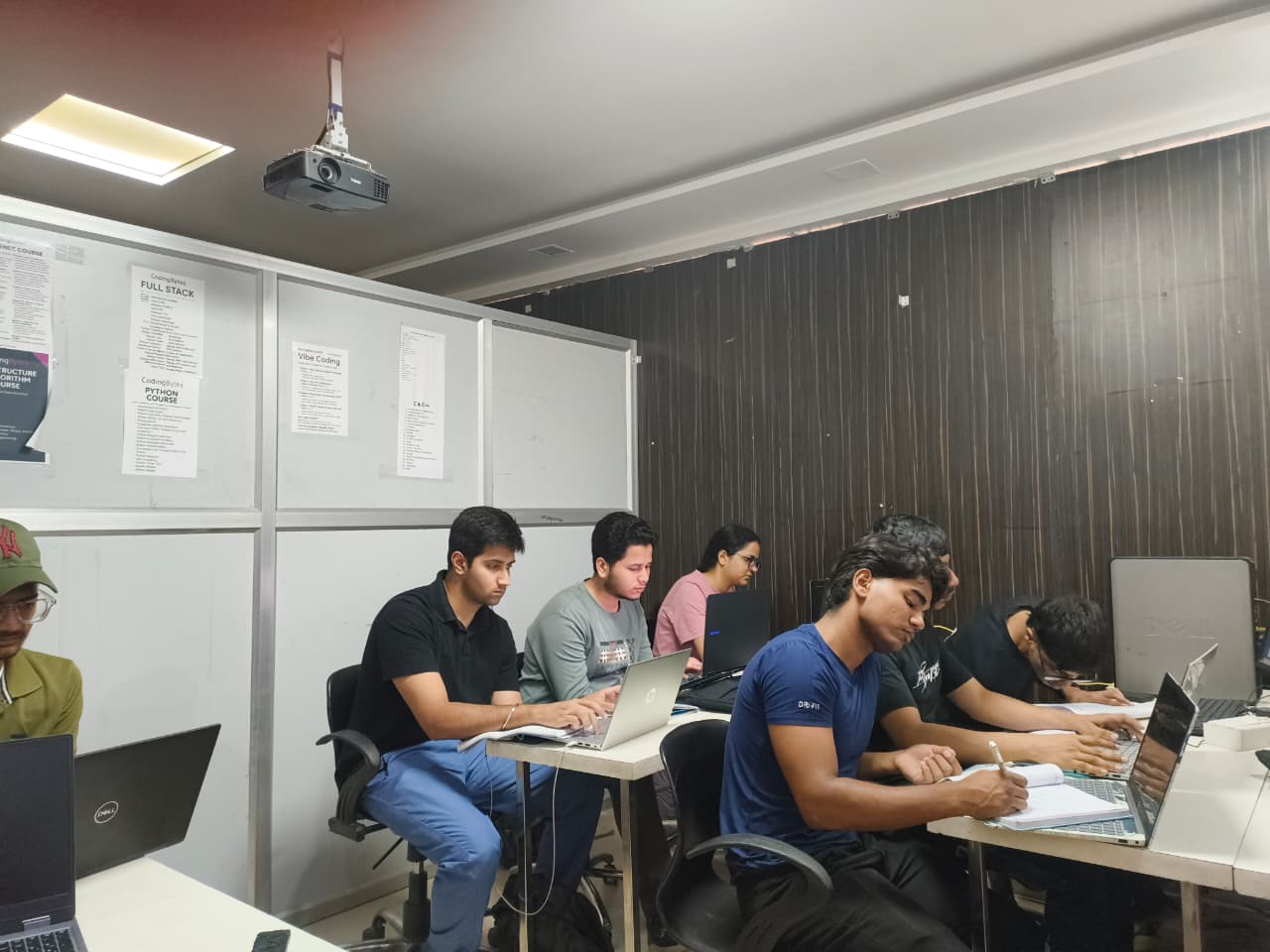
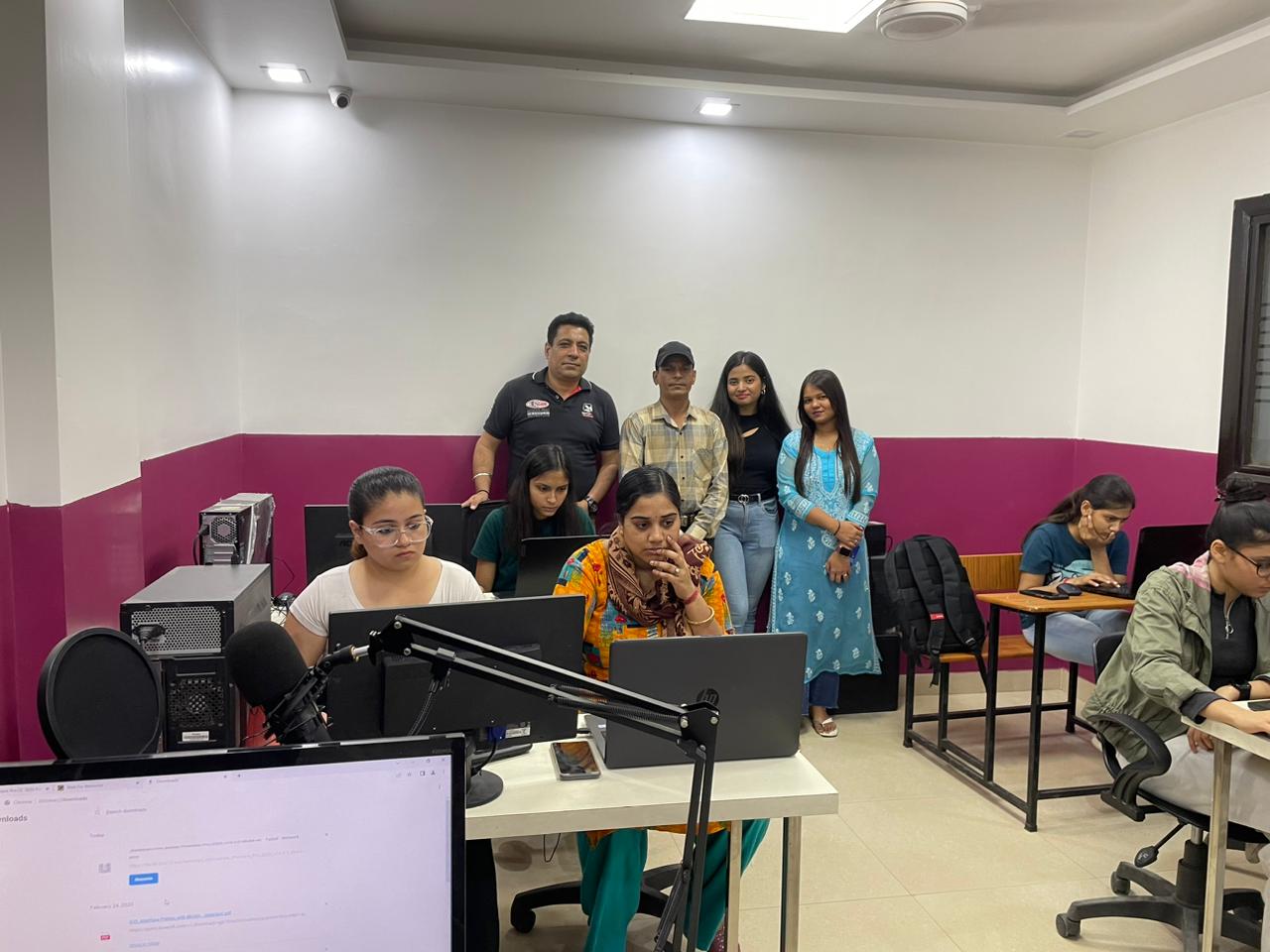
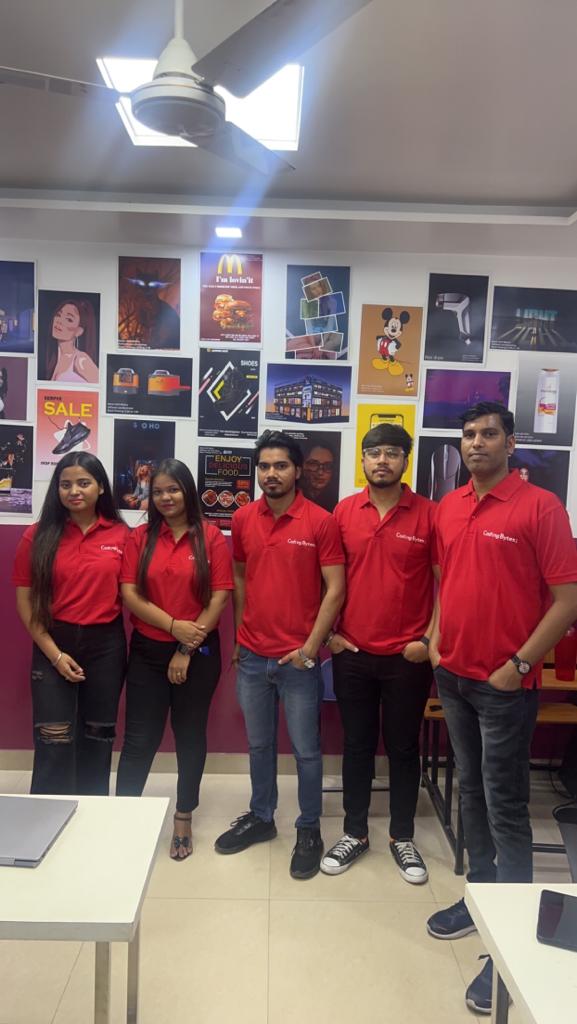
Learn in a real classroom
Classes run in our lab at F-19/8, 3rd Floor, Sector 8, Rohini, Delhi – 110085 in batches of up to 8 students, with a trainer beside you, or live online. Come for a free demo class and see it for yourself.
Frequently asked questions
What is the fee for AWS Training?
The fee is ₹14,999, GST included. Easy EMI is available on the diploma and longer courses; the counselling desk explains the current plan and the next batch date.
How long is AWS Training?
The course runs for 2 months. Weekday and weekend batches are available.
Are classes online or at the Rohini campus?
Both. You can study at the Coding Bytes campus in Sector 8, Rohini, Delhi, or join live, instructor-led online classes. You can book a free demo class first.
Who can join this course?
Students who have completed Class 12, graduates and working professionals can join. Basic English and basic computer knowledge are needed.
Will I get a certificate?
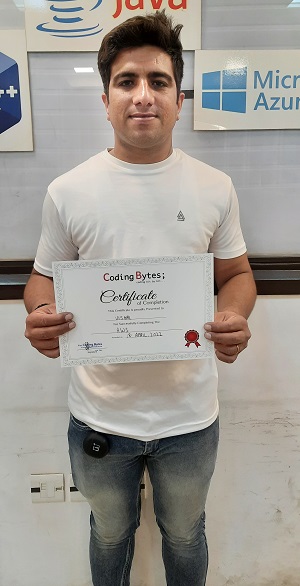
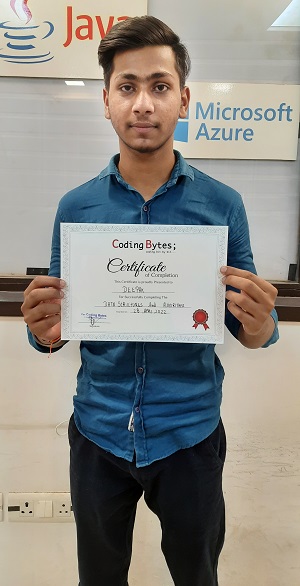
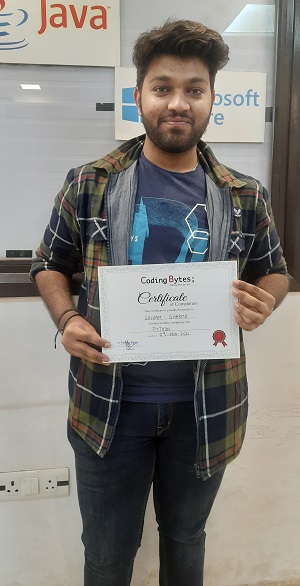
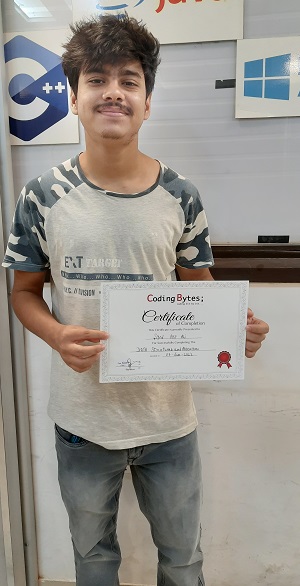
Yes. You receive a Coding Bytes course certificate when you complete the course. Coding Bytes is an ISO 9001:2015 certified institute.
Do you help with placements?
Yes. Every student gets placement assistance: interview preparation and help finding openings. It is assistance, not a job guarantee.