
Red Hat Training
Course Highlights
- Red Hat System Administration I RH124
- Managing Local Linux Users and Groups
- Azure Virtual Machines
- SSH Service
- Linux Networking
- Linux File System
- Regular Expressions
- Access Control Lists
- Azure Roles
- IPv6 Networking
- DNS for Servers
Red Hat Training Course Details
1) Red Hat System Administration I RH124
- Accessing the Command Line
- Managing Files From the Command Line
- Getting Help in Red Hat Enterprise Linux
- Creating, Viewing, and Editing Text Files
- Managing Local Linux Users and Groups
- Controlling Access to Files with Linux File System Permissions
- Monitoring and Managing Linux Process
- Controlling Services and Daemons
- Configuring and Security openSSH Service
- Analysing and storing Logs
- Managing Red Hat Enterprise Linux Networking
- Archiving and Copying Files Between Systems
- Installing and Updating Software Packages
- Accessing Linux File System
- Using Virtualized Systems
- Comprehensive review
2) Red Hat System Administration II (RH134)
- Automating Installation with Kickstart
- Using Regular Expressions with grep
- Creating and Editing Text Files with Vim
- Scheduling Future Linux Tasks
- Managing Priority of Linux Process
- Controlling Access to files with Access Control Lists (ACLs)
- Managing Selinux Security
- Connecting to network-defined User and Groups
- Adding Disks, Partitions and File systems to a Linux System
- Managing Logical Volume management (LVM) Storage
- Accessing Network Storage with Network File System (NFS)
- Accessing Network Storage with SMB
- Controlling and Troubleshooting the Red Hat Enterprise Linux Boot Process
- Limiting Network Communication with Firewalld
- Comprehensive Review of System Administration II
3) Red Hat System Administration III (RH254)
- Controlling Service and Daemons
- Managing IPv6 Networking
- Configuring Link Aggregation and Bridging
- Network Port Security
- Managing DNS for Servers
- Configuring Email Transmission
- Providing Remote Block Storage
- Providing File –based Storage
- Configuring MariaDB Database
- Providing Apache HTTPD Web service
- Writing Bash Scripts
- Bash Conditionals and Control structures
- Configuring the Shell Environment
- Linux Containers and Docks
- comprehensive Review
Small Batches
Mentoring By Experts
Flexible Schedule
Learn By Doing
Goal Oriented
PUT YOUR LEARNING TO WORK
A pathway to supervised projects
Use your course work to build a portfolio and demonstrate readiness for the US Project Lab. Selected students may contribute to suitable internal projects or approved client assignments connected with Vialynx and Agenticures, remotely from India.
Selection depends on practical skills, communication, reliability, mentor capacity and available work. Course enrolment does not guarantee an internship, client assignment or employment. Any assignment’s scope, duration and compensation are agreed separately in writing.
See the selection process and example briefs →How a batch runs
Classes are online or at F-19/8, 3rd Floor, Sector 8, Rohini, Delhi – 110085. You get project work, a training certificate, and placement assistance. Advertised course fees include GST. Confirm the timetable, teaching hours, trainer, software costs and any instalment terms before enrolling. Ask the counselling desk about the next start date — call 18008913982.
Learn in a real classroom
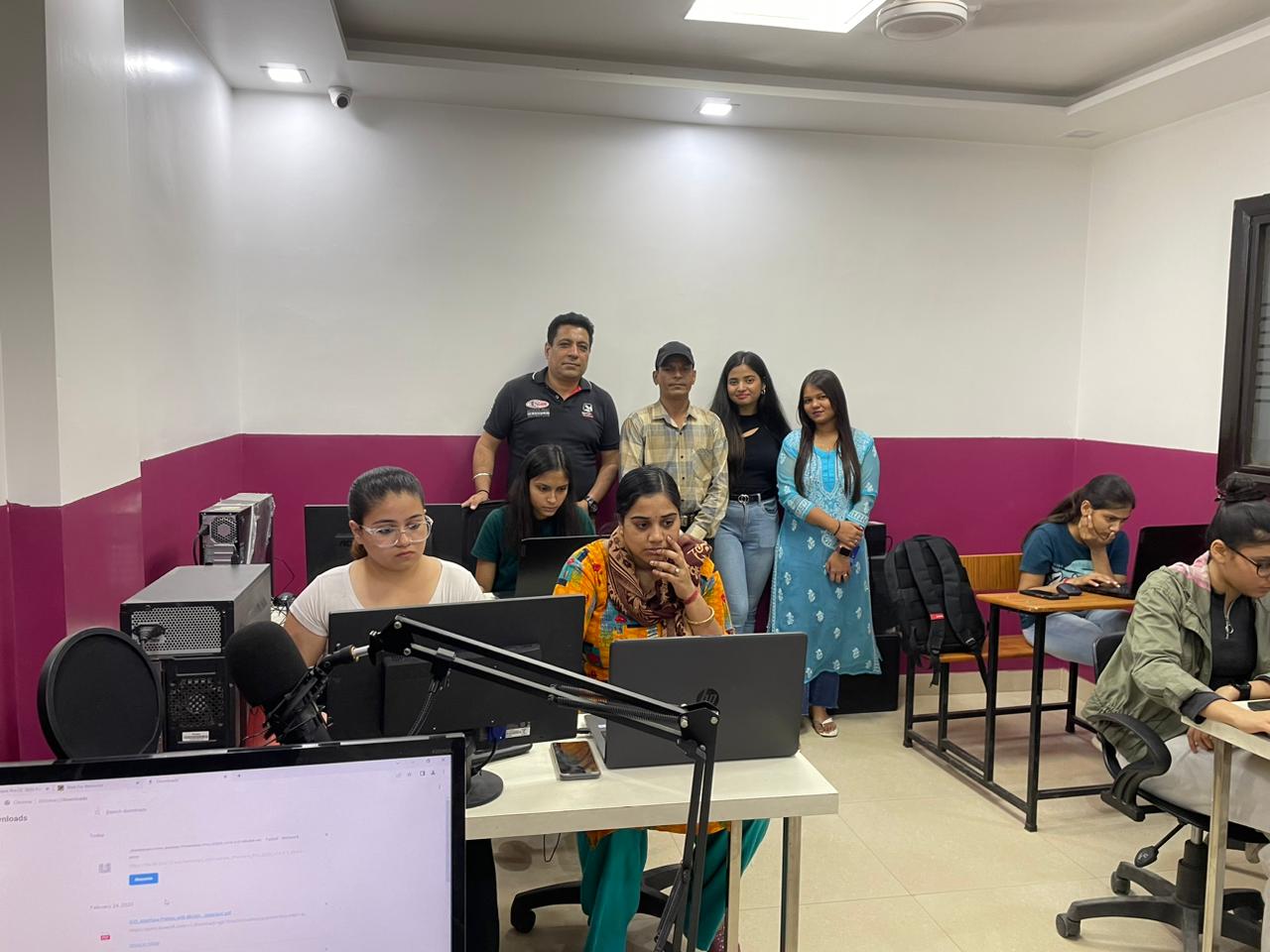
Classes run in our lab at F-19/8, 3rd Floor, Sector 8, Rohini, Delhi – 110085, with a trainer beside you, or live online. Come for a free demo class and see it for yourself.

Frequently asked questions
What is the fee for Red Hat Training?
The fee is ₹18,999, GST included. Easy EMI is available on the diploma and longer courses; the counselling desk explains the current plan and the next batch date.
How long is Red Hat Training?
The course runs for 4 months. Weekday and weekend batches are available.
Are classes online or at the Rohini campus?
Both. You can study at the Coding Bytes campus in Sector 8, Rohini, Delhi, or join live, instructor-led online classes. You can book a free demo class first.
Who can join this course?
Students who have completed Class 12, graduates and working professionals can join. Basic English and basic computer knowledge are needed.
Will I get a certificate?
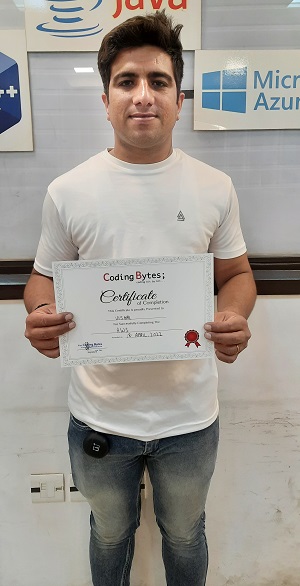
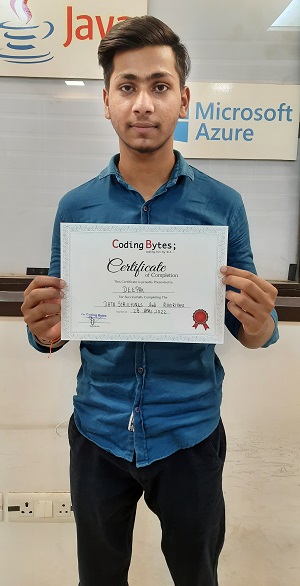
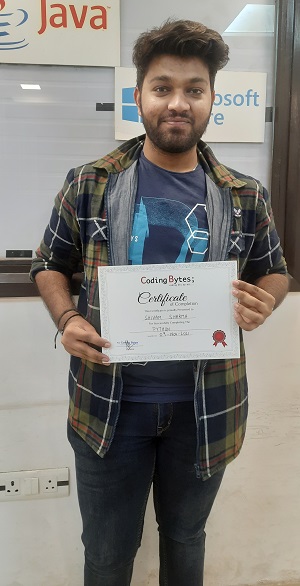
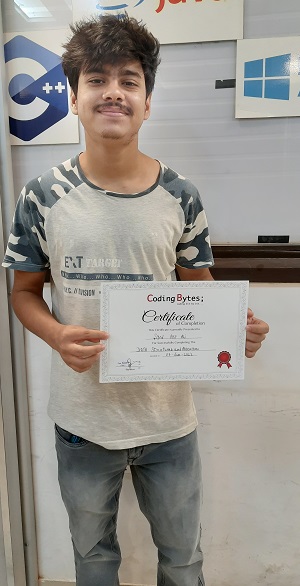
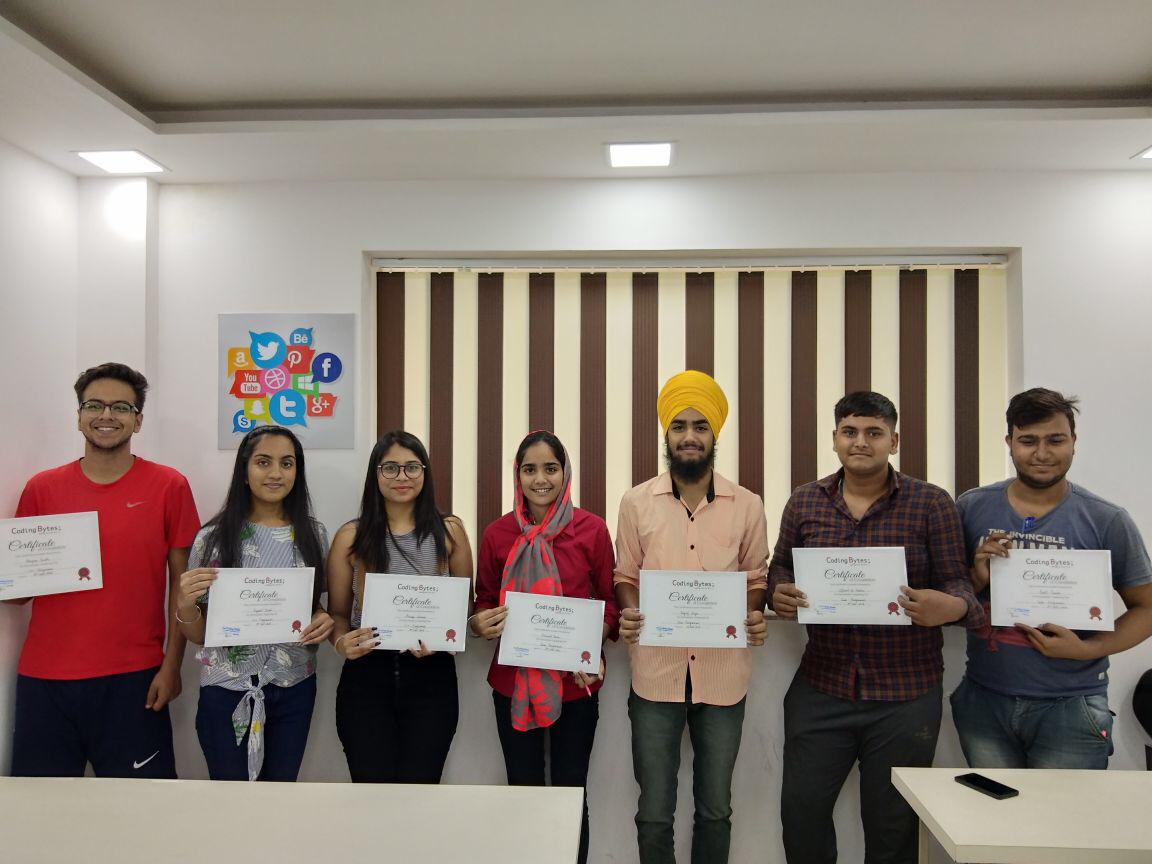
Yes. You receive a Coding Bytes course certificate when you complete the course. Coding Bytes is an ISO 9001:2015 certified institute.
Do you help with placements?
Yes. Every student gets placement assistance: interview preparation and help finding openings. It is assistance, not a job guarantee.