
AWS Online Training
Course Highlights
- Getting started with Amazon cloud
- Overview of the architecture
- Achieving Agility with EC2
- Implementing Durable and Reliable Storage
- Adapting EC2 to Your Business Needs
- Handling Dynamic Resource Requirements
- Hosting Applications with Elastic Beanstalk
- AWS Security Features
AWS (Amazon Web Services) Online Course Details
1) Getting started with Amazon cloud
- Creating accounts and analyzing the cost breakdown
- Evaluating Service Level Agreements (SLA)
- Console, command line tools and API
2) Overview of the architecture:
- EC2
- S3
- EBS
- Beanstalk
- RDS
- VPC
- CloudFront
- SimpleDB
- SQS
- CloudWatch
3) Achieving Agility with EC2:
Managing the EC2 infrastructure:
- Browsing Amazon Machine Images (AMI)
- Specifying security groups and key pairs
Provisioning resources:
- Evaluating Elastic Block Store (EBS) and instance store root devices
- Assigning elastic IP addresses
- Mapping instance types to computing needs
4) Implementing Durable and Reliable Storage
Storing data in the cloud:
- Persisting off-instance storage with EBS volumes
- Creating backups with snapshots
- Achieving high durability with SimpleStorage Service
- Transmitting data in/out of the Amazon cloud
Simplifying the database infrastructure:
- Achieving high availability of nonrelational data with SimpleDB
- Effortlessly implement a relational database with Relational Database Service (RDS)
Creating cost-effective distributed solutions:
- Decoupling applications with Simple Queue Service
- Leveraging CloudFront for high-performance edge cache content delivery
- Delivering static and streaming content
5) Adapting EC2 to Your Business Needs
Customizing virtual machines:
- Modifying existing images
- Creating new images off of running instances
- Converting an instance store AMI to an EBS A
Creating an AWS cloud architecture:
- Applying best practices for a cloud solution
- Selecting a cloud setup for different use case scenarios
6) Handling Dynamic Resource Requirements
Monitoring from inside or outside of the cloud:
- Visualizing utilization metrics with CloudWatch
- Setting alarms to send and receive notifications
Transparently scaling to meet load variations:
- Distributing incoming traffic with elastic load balancing
- Dynamically adding and removing instances with Auto Scaling
- Setting capacity thresholds
7) Hosting Applications with Elastic Beanstalk
Managing application environments:
- Customizing and configuring platform stacks
- Provisioning application resources with CloudFormation
8) AWS Security Features
Controlling account security:
- Configuring access credentials
- Managing users with Identity Access Management (IAM)
Leveraging the Virtual Private Cloud (VPC):
- Provisioning isolated AWS resources
- Bridging EC2 instances to your internal network with a VPN
Launching EC2 instances on dedicated hardware
Small Batches
Mentoring By Experts
Flexible Schedule
Learn By Doing
Goal Oriented
PUT YOUR LEARNING TO WORK
A pathway to supervised projects
Use your course work to build a portfolio and demonstrate readiness for the US Project Lab. Selected students may contribute to suitable internal projects or approved client assignments connected with Vialynx and Agenticures, remotely from India.
Selection depends on practical skills, communication, reliability, mentor capacity and available work. Course enrolment does not guarantee an internship, client assignment or employment. Any assignment’s scope, duration and compensation are agreed separately in writing.
See the selection process and example briefs →How a batch runs
Classes are online or at F-19/8, 3rd Floor, Sector 8, Rohini, Delhi – 110085. You get project work, a training certificate, and placement assistance. Advertised course fees include GST. Confirm the timetable, teaching hours, trainer, software costs and any instalment terms before enrolling. Ask the counselling desk about the next start date — call 18008913982.
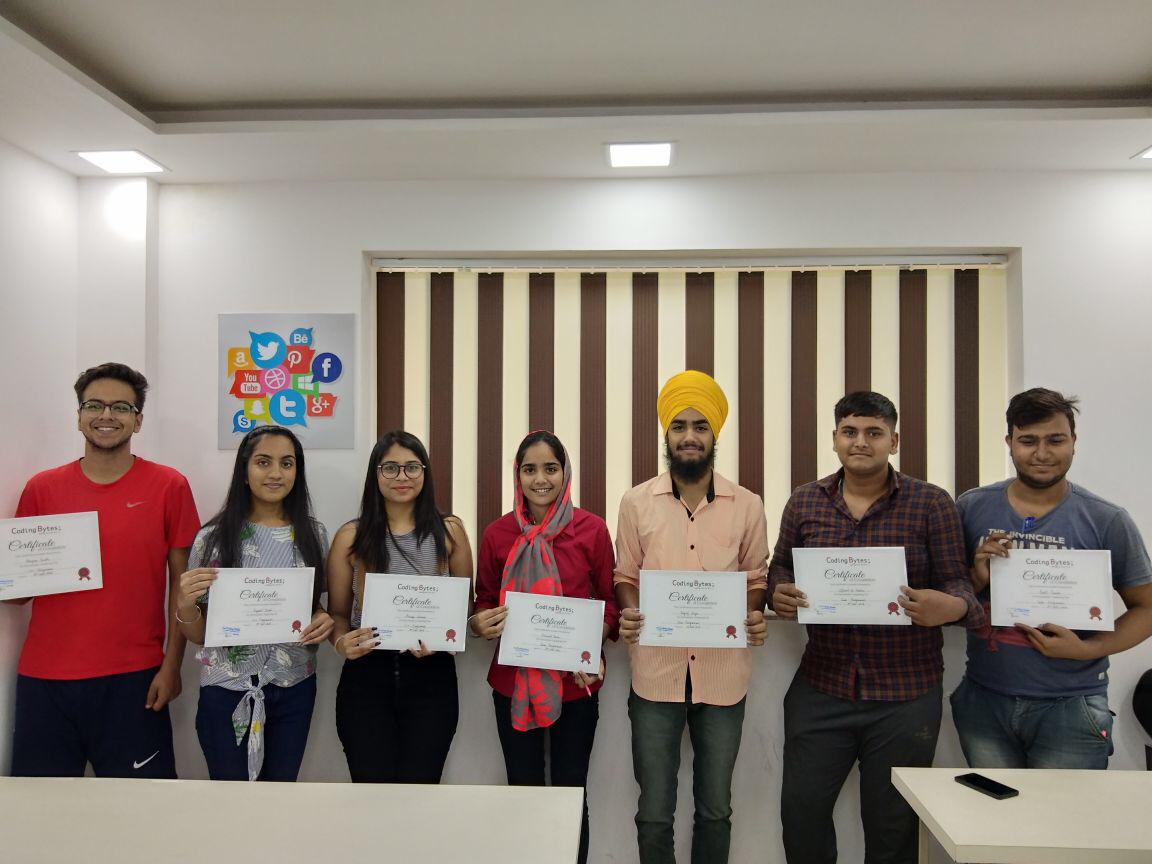
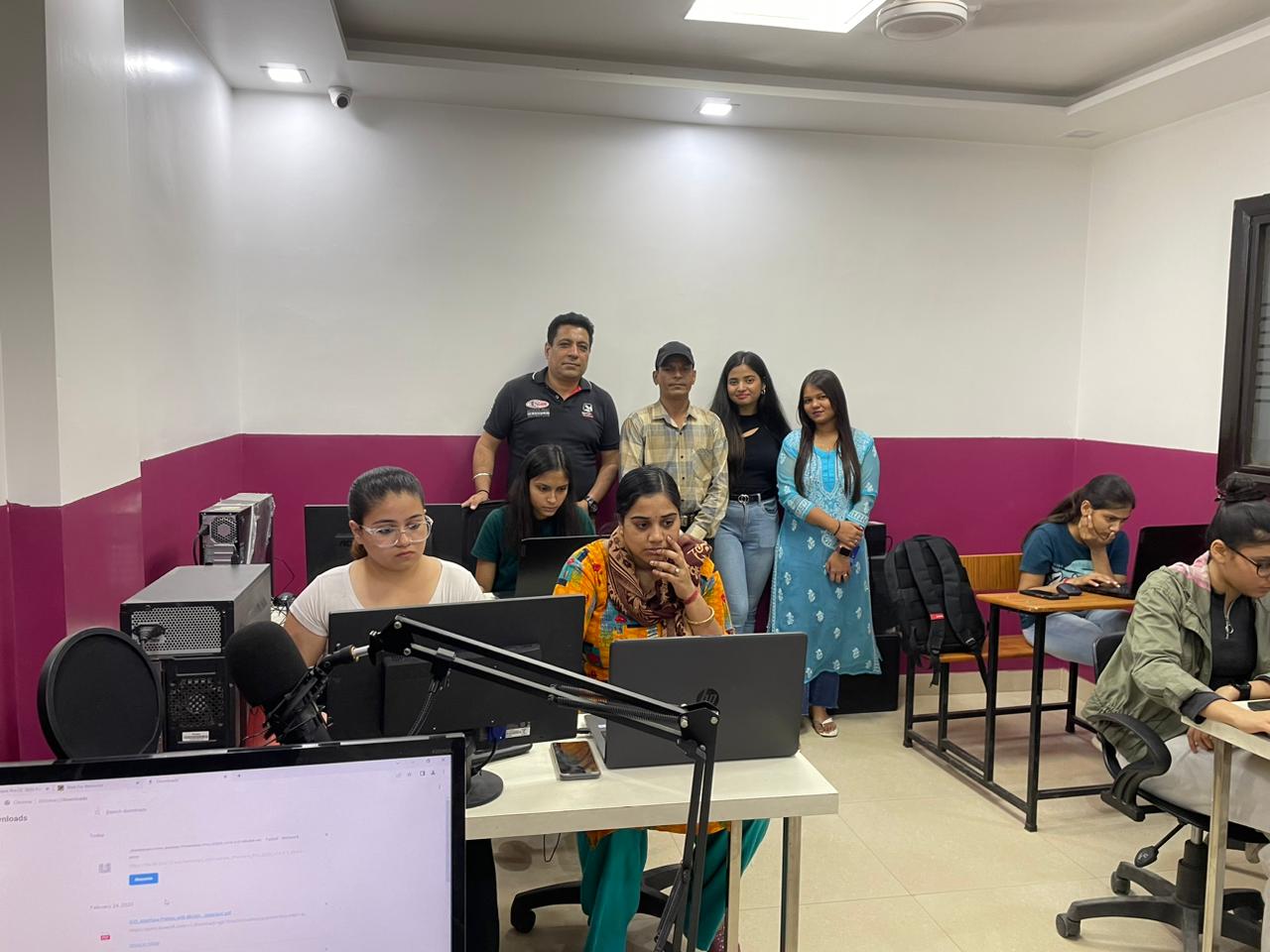
Learn in a real classroom
Classes run in our lab at F-19/8, 3rd Floor, Sector 8, Rohini, Delhi – 110085, with a trainer beside you, or live online. Come for a free demo class and see it for yourself.
Frequently asked questions
What is the fee for AWS Online Course?
The fee is ₹14,999, GST included. Easy EMI is available on the diploma and longer courses; the counselling desk explains the current plan and the next batch date.
How long is AWS Online Course?
The course runs for 2 months. Weekday and weekend batches are available.
Are classes online or at the Rohini campus?
Both. You can study at the Coding Bytes campus in Sector 8, Rohini, Delhi, or join live, instructor-led online classes. You can book a free demo class first.
Who can join this course?
Students who have completed Class 12, graduates and working professionals can join. Basic English and basic computer knowledge are needed.
Will I get a certificate?
Yes. You receive a Coding Bytes course certificate when you complete the course. Coding Bytes is an ISO 9001:2015 certified institute.
Do you help with placements?
Yes. Every student gets placement assistance: interview preparation and help finding openings. It is assistance, not a job guarantee.