Learn the layers of a working web page
HTML, CSS, Bootstrap and JavaScript solve different parts of a front-end task. Start by making the content understandable, then arrange it on the screen, then add behaviour. This gives you a way to explain your work when a page looks wrong or a button does nothing. The two-month course outline below lists the technologies; this guide helps you turn that list into questions and practice goals.
What preparation helps?
Practise creating folders, saving a file with the right extension, finding it again and opening it in a browser. Bring an example of any coding you have tried to the demo class. Ask how much introductory programming is included and what preparation your batch expects. These suggestions do not change the institute's admission requirements.
You will need an editor and a browser for your own practice. Confirm the classroom computer arrangements, software versions, homework time and support available between classes. A polished template can hide gaps in understanding; being able to explain a small page is a better starting point.
A sequence you can use to discuss the syllabus
- Structure the content. Give a page a clear heading hierarchy, meaningful links and appropriate lists. MDN's HTML learning module explains how markup gives content structure and meaning.
- Style a simple layout. Work on spacing, readable type and a layout that adapts to a narrow screen. Explain which CSS rule produced a visible change before adding another rule.
- Introduce Bootstrap deliberately. Compare its layout and components with what you already built. Ask which version the batch teaches: component names in older outlines may differ from the version you install.
- Add JavaScript behaviour. Connect an event to a small, visible result. Practise reading the console, finding the element involved and describing the expected behaviour before changing code.
- Review the complete page. Test keyboard use, long content, a narrow screen and the page's main links. Keep a short issue log and explain each correction.
A small project with evidence you can keep
Illustrative practice brief: build a fictional community workshop page containing a title, agenda, venue description and an expandable list of preparation tips. Use invented event details and your own or permitted images. This is a suggested learning exercise, not a promised course assignment or a real event announcement.
Save three checkpoints: a readable HTML-only page; the styled page at wide and narrow widths; and a version with one JavaScript interaction. For each checkpoint, write what should happen and what you actually observed. For example, confirm that a long agenda entry wraps without hiding text, that the preparation control can be reached with a keyboard, and that the venue link opens the intended destination.
A useful handover contains the source files, a short explanation of the folder structure, two screenshots and a list of unresolved issues. Avoid adding a real enquiry form or collecting personal information just to demonstrate a front-end exercise. Ask a reviewer to open your files and explain what they would test next.
Before choosing a batch
- How are HTML, CSS, Bootstrap and JavaScript balanced across the two months?
- How often will someone review your code and accessibility checks?
- Which browser tools and Bootstrap version will you use?
- What is included in the timetable, and what practice is expected outside class?
The current published fee is ₹12,000 including GST for two months. Confirm current batch arrangements with admissions and read the admissions information. Placement assistance and project opportunities do not guarantee a job or an internship.
Join the Website Designing Certification Course Today
Course Highlights
HTML Course
- Introduction
- Basic Structure of a Webpage
- HTML Head Tags
- HTML Body Tag
- HTML Paragraph Spacing
- HTML Line Breaks
- HTML Non-Breaking Space
- HTML Header Tags
- HTML Text Formatting and Decoration
- HTML Inline Text Formatting
- HTML Unordered Lists
- HTML Ordered Lists
- HTML Image Insertion
- HTML Embedding Videos
- HTML Absolute vs. Relative File Referencing
- HTML Link Creation
- HTML Tables
- Others..
Java Script Course
- DOM Introduction
- DOM Manipulation
- JavaScript – Introduction
- JavaScript Placement
- External JavaScript
- JavaScript Output
- JavaScript InnerHTML
- JavaScript Commenting
- JavaScript Constants
- JavaScript Variables Introduction
- JavaScript Assignment Operator
- JavaScript Arithmetic Operations
- JavaScript Arithmetic Operations Continued
- JavaScript Operator Precedence
- JavaScript Data Types
- JavaScript Objects
- JavaScript Object Output
- Others..
Bootstrap Course
- Introduction to Bootstrap
- Embedding Bootstrap
- Bootstrap Basic Page Structure
- Bootstrap Grid System
- Bootstrap Three Column Layouts
- Bootstrap Typography
- Bootstrap Tables
- Bootstrap Styling Images
- Bootstrap Jumbotron
- Bootstrap Wells
- Bootstrap Alerts
- Bootstrap Buttons
- Bootstrap Button Groups
- Bootstrap Justified Button Groups
- Bootstrap Glyphicons
- Bootstrap Badges and Labels
- Bootstrap Progress Bars
- Others..
Who Can Apply for this Course?
Candidates with the following backgrounds can discuss this front-end course with admissions:
Any Student that cleared 10+2
Any undergraduate degree holder like BCA, B.Tech, B.E, B.Sc etc.
Any diploma holder with basic programming knowledge can also apply
HTML, CSS, Bootstrap and Java Script Training Course Description
Do you like to become a highly-skilled web developer? To grow your career as a website developer, you need to learn different frontend and backend development technologies.
HTML, CSS and Bootstrap are the most important technologies chosen by several web developers. The best web designing course in Rohini includes instructions on these technologies.
What are HTML, CSS and Bootstrap?
HTML refers to the standard markup language that you can use to structure your webpage and its content.
CSS is a language for describing how HTML elements are displayed on the website. You can edit the single CSS file and modify the webpage. Moreover, you will learn the use of colors, fonts, and background images.
Bootstrap is an open-source CSS-based Framework needed to develop responsive websites. Ask which Bootstrap version is used in your batch; older component names can differ from current documentation. With the best Bootstrap training in Rohini, you will learn the use of this framework.
What will you learn from HTML, CSS and Bootstrap Training in Rohini?
Candidates will understand the basic details of the HTML webpage structure. You will learn the way of dealing with images, links, videos, and tables. Moreover, the course will guide you on how to create HTML webpages.
During your CSS training, you will learn the process of developing responsive and stylish webpage layouts. You will become familiar with several formatting options like padding, margins, backgrounds, font properties, transparency, CSS tables, and link styling.
Furthermore, you will understand the use of the Bootstrap framework for frontend development and mobile-first website design. Its open-source development library is useful for coders and developers.
With the Bootstrap training program, you can create the most stunning design and include different carousels, modals, and popovers.
HTML, CSS and Bootstrap Training- Who can choose the course?
Candidates interested in web development, website coding, and frontend web design can choose the course. Those who like to become full-stack web developers can register for the course.
Some courses will also provide you with Java Script training in Rohini. It includes JavaScript module details and page coding. You do not need to have advanced-level programming knowledge for this purpose.
How to learn HTML, CSS and Bootstrap-
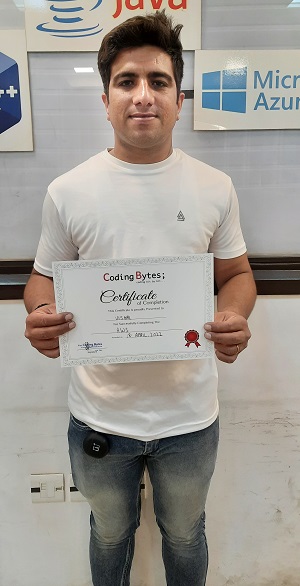
Choose a training program that covers instructions on these frameworks and programming languages. A comprehensive course includes several modules to instruct you on every detail of the technologies. You will get the valid certificate at the end of the course. Some web development courses also provide you with Java Script training in Rohini.
Learn HTML, CSS and Bootstrap in Rohini and apply for a job. These technologies are highly essential for web design and development.
You can use them to develop landing pages, convert PSD to HTML files, customize WordPress, and design static menus. Moreover, you can create multi-page static websites for several purposes.
You can look for companies that need web developers and software engineers. Some organizations hire junior developers and train them properly.
However, you will earn more by getting employed as a highly knowledgeable developer. That is why you may undergo a course in Rohini and acquire skills.
Book your Free DemoWhy Choose Coding Bytes as your HTML, CSS, Bootstrap and Java Script Training Institute?
Coding Bytes provides the best online/Offline HTML, CSS, Bootstrap and Java Script Training as its institute situated in Rohini, Delhi.
With the best infrastructure and high-tech technology, the project based HTML, CSS, Bootstrap and Java Script Training allows students and working professionals to gain hands-on experience to Learn HTML, CSS, Bootstrap and Java Script Training.
- We have 10+ years of experience in Programming language Training.
- Our Industry expert Teachers are passionate to teach.
- You’ll be more confident every single day than the day before while learning coding with Coding Bytes.
- The Latest Curriculum, from Industry Experts.
- High Engagement, Outcome-Centric Learning.
- Job Assistance for everyone.
- Life time support for queries & placement.
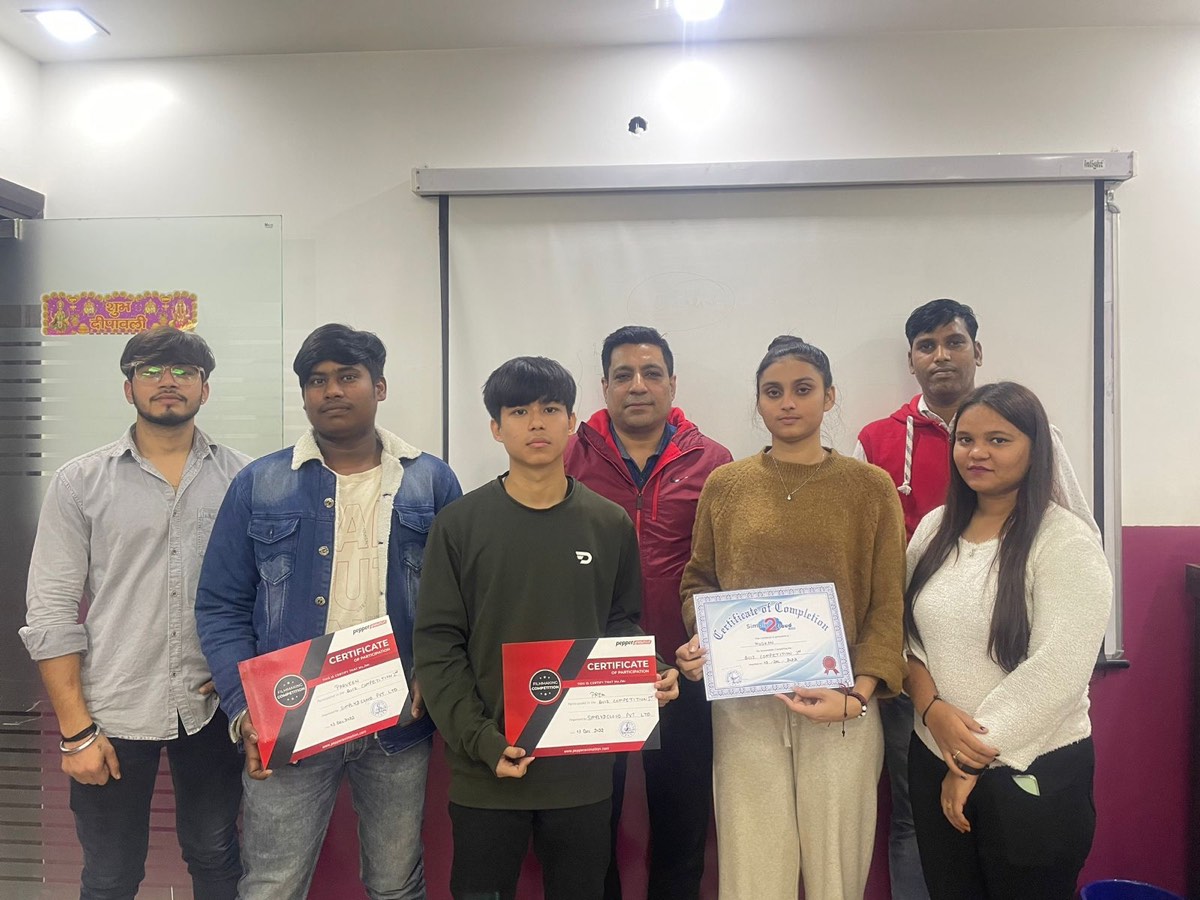
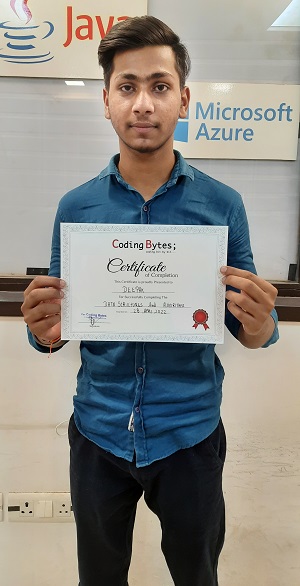
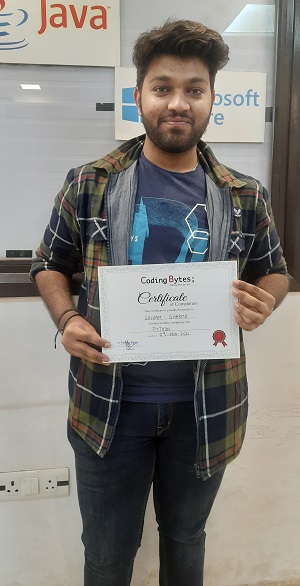
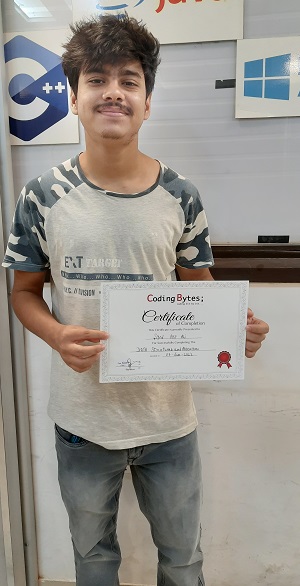
Our Student’s Testimonials
Start Now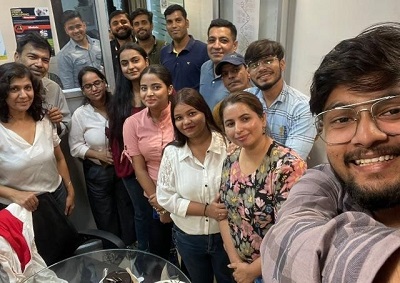
Our Team
Here are the key stakeholders focused on building our community. Our greatest strength is our team’s spirit & that will remain because a core of us come through the leagues together.
Our Classroom Sessions
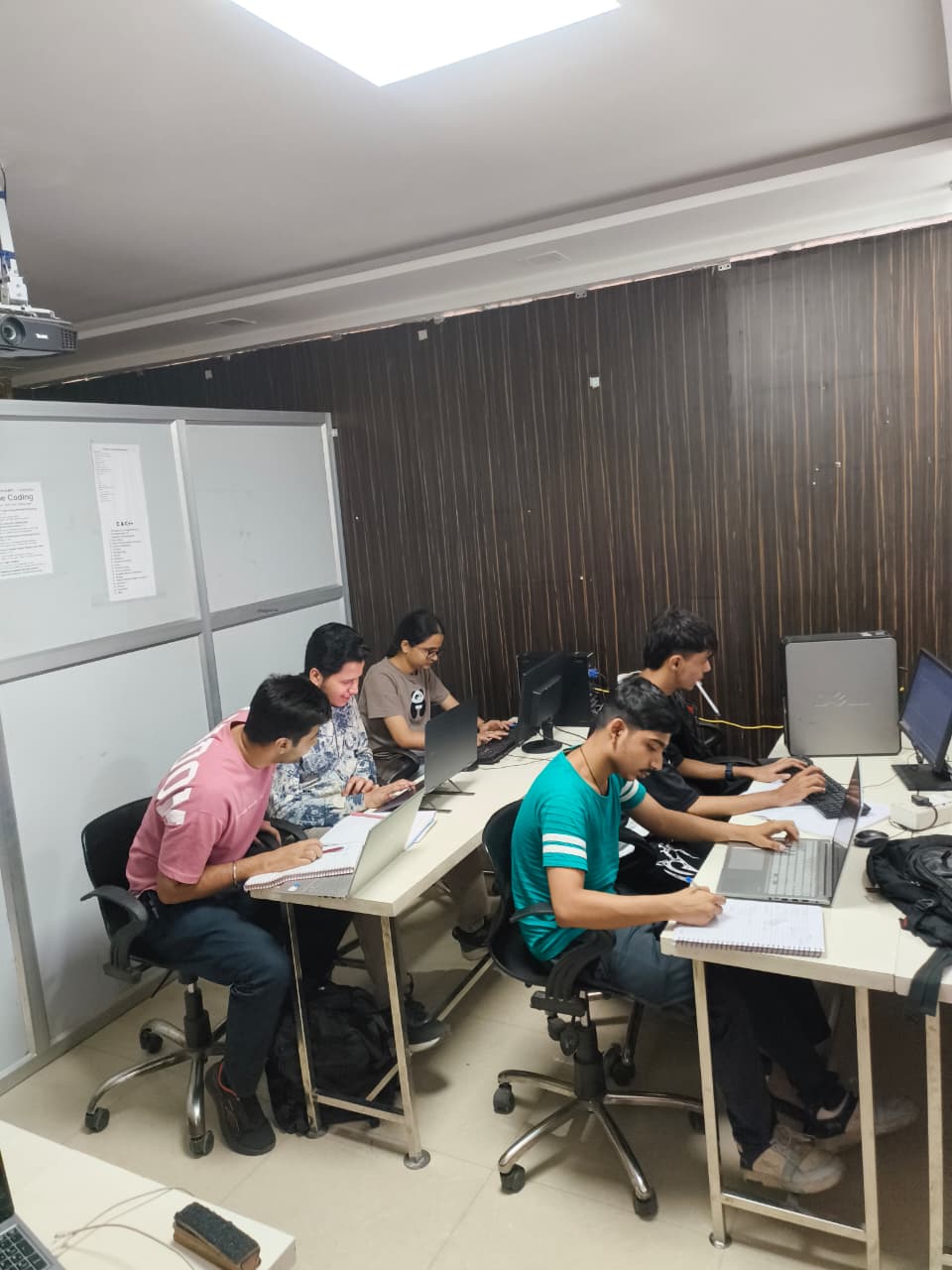
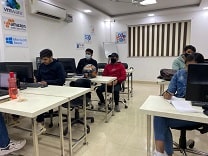
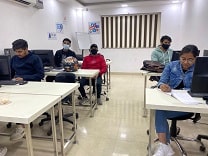
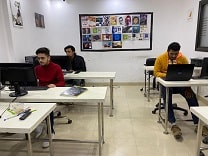
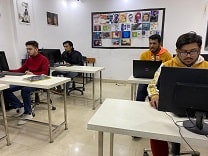
Our Classroom has a very unique approach so that any student can be learning either via a live lesson, pre programmed lesson, independently or being supervised in the classroom.
HTML, CSS, Bootstrap and Java Script Training FAQs
Can I attend a demo session before enrollment?
Yes, you can book a demo session, it would give you a clear insight into how are the classes conducted, quality of instructors and the level of interaction in a class.Who are the instructors for HTML, CSS, Bootstrap and Java Script Training?
All the instructors at Coding Bytes are practitioners from the Industry with minimum 10-12 yrs of relevant IT experience. They are subject matter experts and are trained by Coding Bytes for providing an awesome learning experience to the participants of HTML, CSS, Bootstrap and Java Script Training.
What if I have more queries with regards to HTML, CSS, Bootstrap and Java Script Training?
Just give us a CALL at +919899-355-335 OR email at [email protected]
Trending Courses
Data Science & Machine Learning | AWS Course | Azure Course | Core Java | Advance Java | C Programming | C++ Programming | Web Designing | Web Development | Django | Data Structure | RED Hat | Digital Marketing Talk to CounselorPUT YOUR LEARNING TO WORK
A pathway to supervised projects
Use your course work to build a portfolio and demonstrate readiness for the US Project Lab. Selected students may contribute to suitable internal projects or approved client assignments connected with Vialynx and Agenticures, remotely from India.
Selection depends on practical skills, communication, reliability, mentor capacity and available work. Course enrolment does not guarantee an internship, client assignment or employment. Any assignment’s scope, duration and compensation are agreed separately in writing.
See the selection process and example briefs →How a batch runs
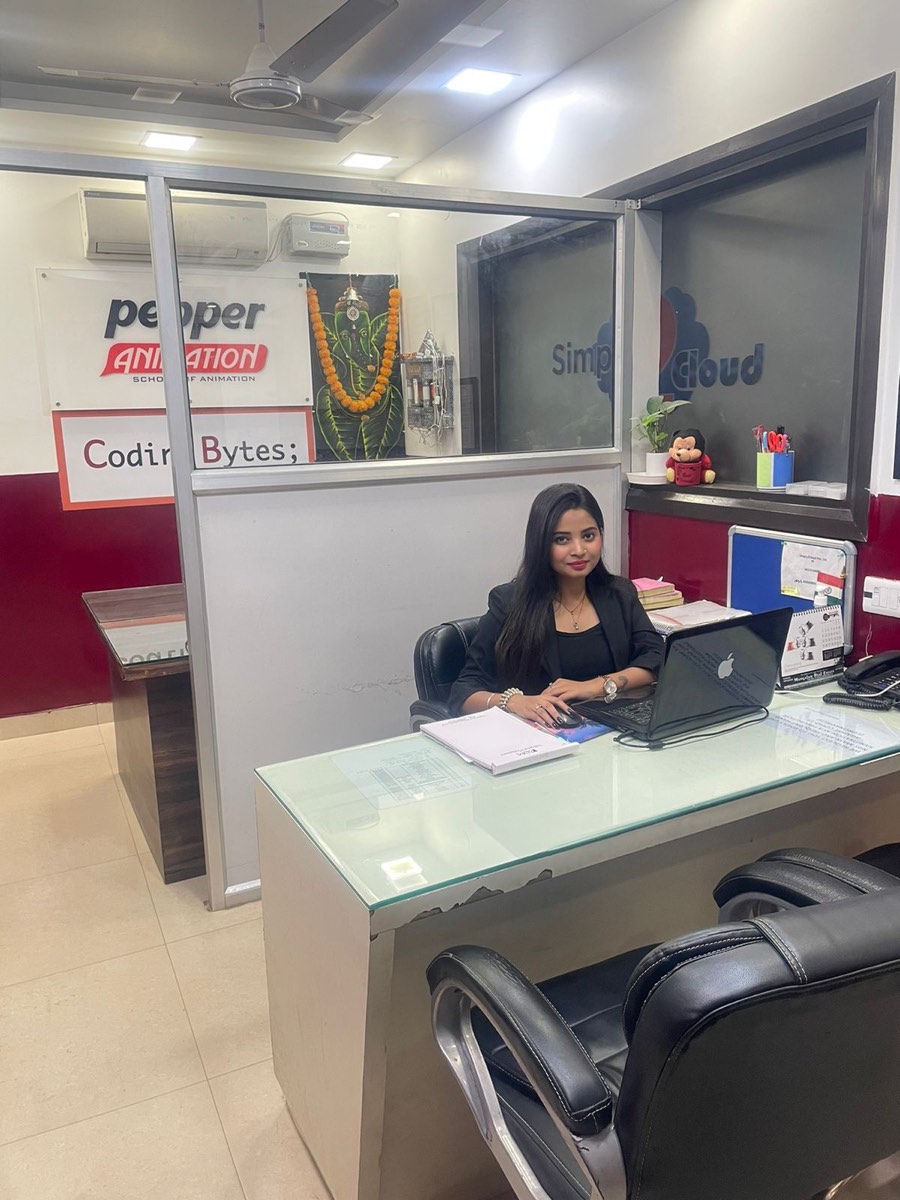
Classes are online or at F-19/8, 3rd Floor, Sector 8, Rohini, Delhi – 110085. You get project work, a training certificate, and placement assistance. Advertised course fees include GST. Confirm the timetable, teaching hours, trainer, software costs and any instalment terms before enrolling. Ask the counselling desk about the next start date — call 18008913982.
Learn in a real classroom
Classes run in our lab at F-19/8, 3rd Floor, Sector 8, Rohini, Delhi – 110085 in batches of up to 8 students, with a trainer beside you, or live online. Come for a free demo class and see it for yourself.